
Choose your settings
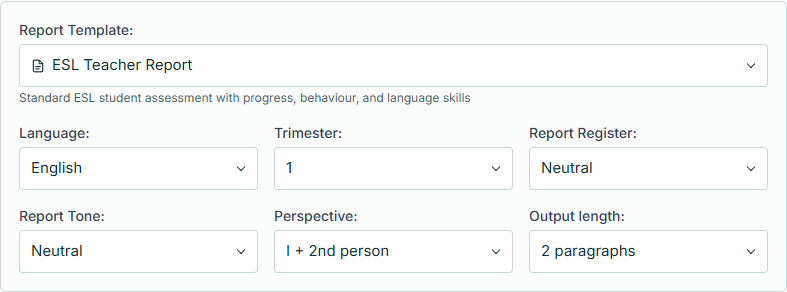
Start with a ready-made template. Choose the language, tone and length you need.
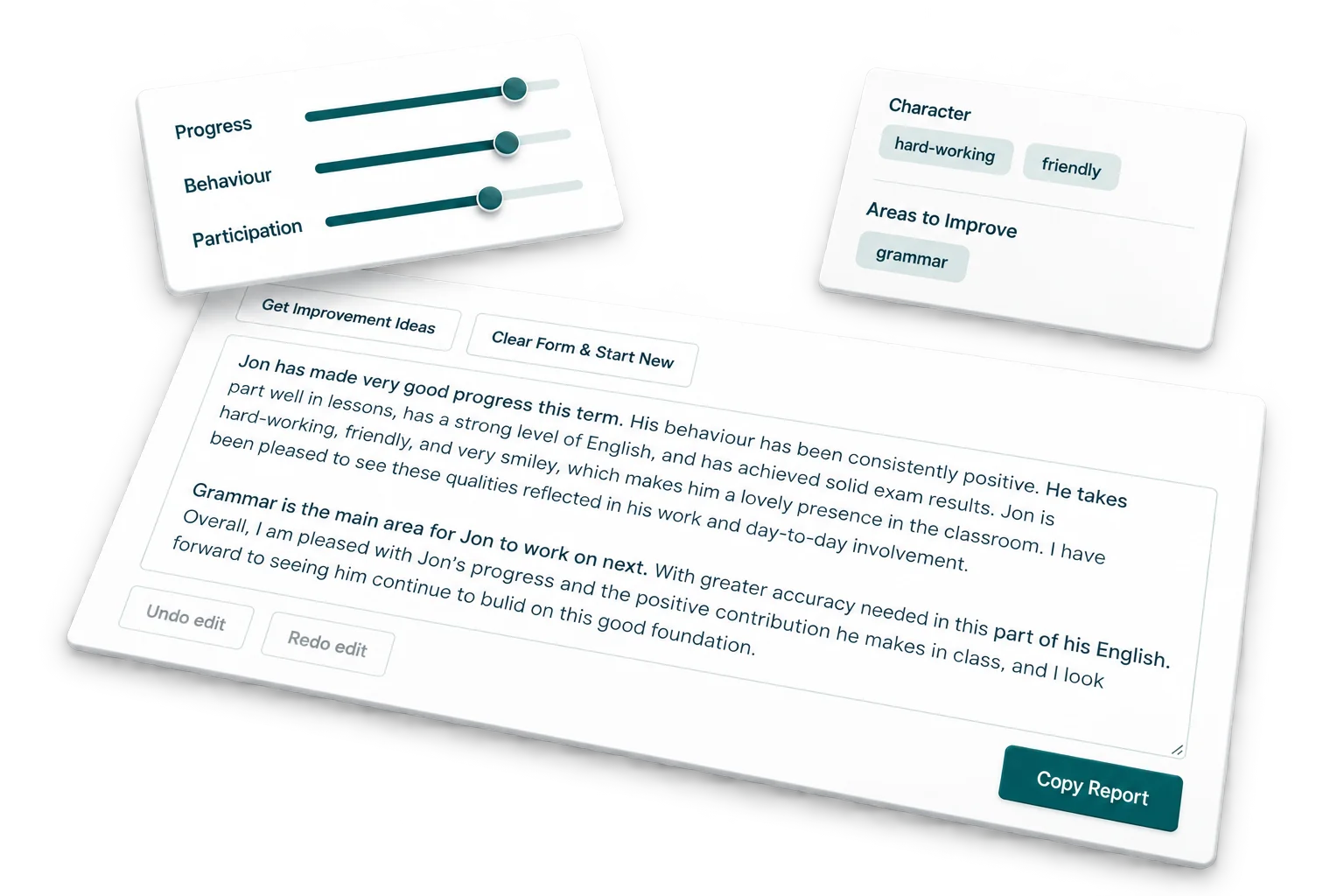
Add your classroom observations and let AI help with the wording. Write reports individually or in batches, then edit, download or save them to a class.
Free to sign up. Get 50 AI credits every month.
How it works
Start with a ready-made template. Choose the language, tone and length you need.
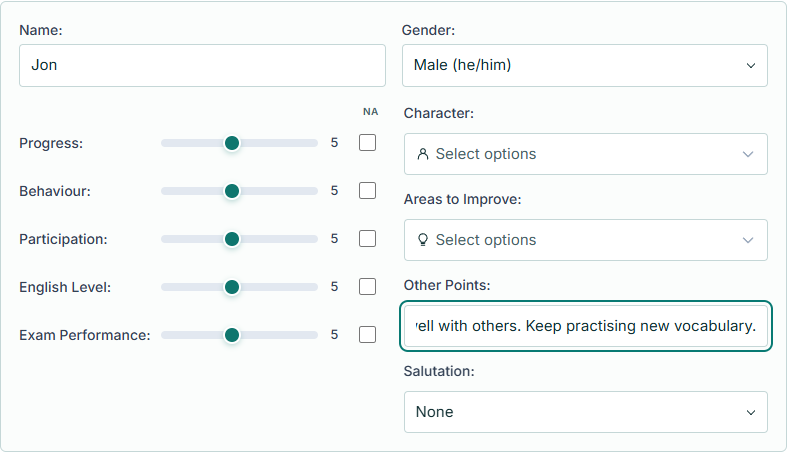
Add a first name, ratings and classroom notes. Write for one student or add a batch of up to 20.
Generate your reports, check the details and adjust the wording. Copy, download or save them to a class and report tab.
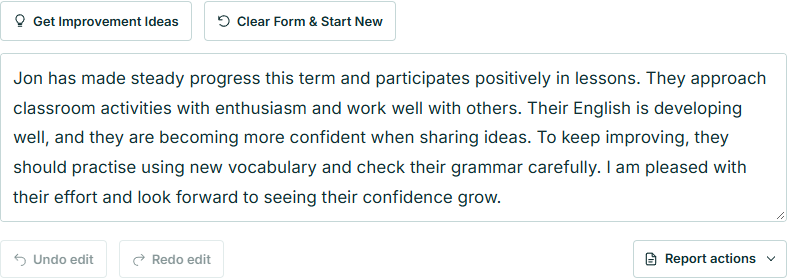
Choose a step, then select its screenshot for a closer look.
For your classroom

Choose the report language to write for the families in your class.
Keep the ratings and options you use most, ready for your next set of reports.
Generate a single report or up to 20 at a time, then check and edit each one.

Keep all your reports together, organised into classes and tabs for each term.
See it in action
A walkthrough of single reports, batches and saving to a class, using fictional students and example drafts.
Free teacher account
Get 50 AI credits every month.